ON THIS PAGE
By Efe Berke Colaker, Founder at GetleadReviewed by the Getlead editorial team for accuracy. Last updated September 2026.
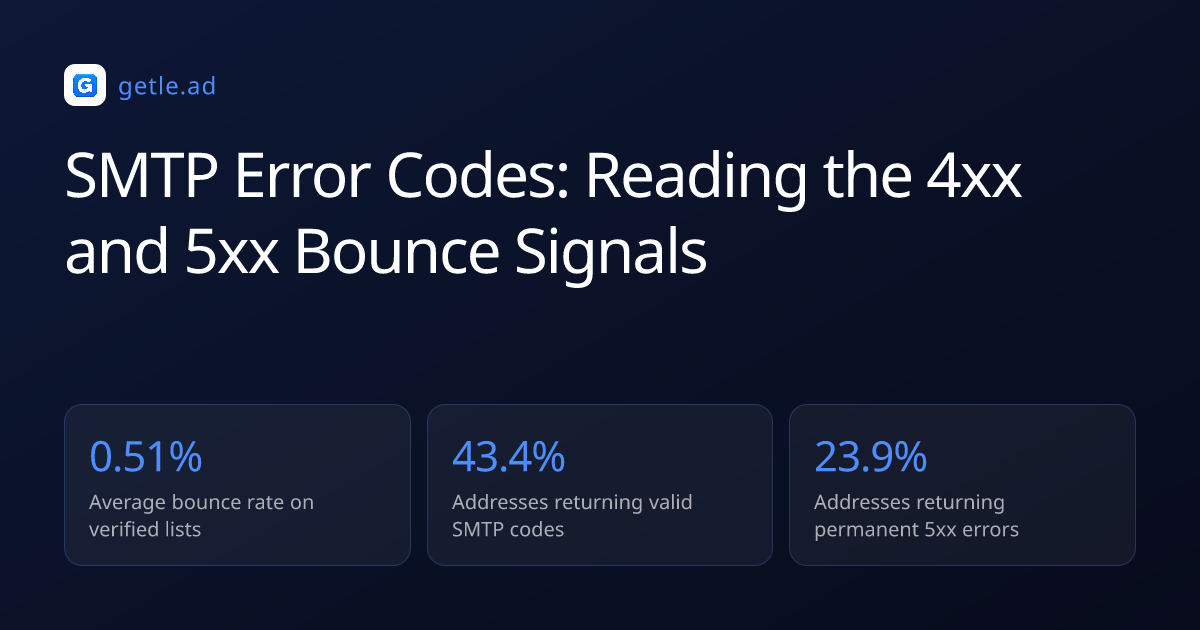
Most outbound campaigns treat bounces as a single metric, but mail servers return specific three-digit numbers detailing why a message failed. SMTP error codes are standardized responses generated by receiving mail servers to communicate delivery status. If a campaign sending 1,000 emails sees 20 bounces, the difference between a 421 and a 550 code dictates whether you pause the sequence or delete the lead.
An audit catches the exact failure point before provider algorithms downgrade your domain. Because providers monitor your overall bounce rate daily to identify automated spam operations, a healthy outbound sequence must maintain a bounce rate below 1.0%. When this ratio exceeds 2.0%, providers begin routing your messages directly to the spam folder.
The Baseline Audit and Thresholds
Tracking these metrics requires dedicated infrastructure separate from your primary sending platform. Postmaster Tools is the first dashboard to configure for B2B senders because domain reputation dictates inbox placement on shared IPs. You must monitor these dashboards weekly to catch small spikes in your spam complaint rate before they trigger permanent blocks.
You must establish a baseline before diagnosing specific server rejections. Export your campaign logs for the last thirty days to capture a representative sample of 10,000 or more sends. Filter the data to isolate messages that failed to reach the inbox, and calculate your current failure rate to determine the severity.
- Export your campaign logs and isolate all failed delivery attempts.
- Group the failures by the three-digit basic status code.
- Calculate the percentage of total sends that resulted in a bounce.
- Compare your current failure rate against the 1.0% safety threshold.
Basic vs Enhanced Status Codes
SMTP communicates using a three-digit basic code, but modern servers also append an enhanced status code. While the basic code provides the general error category for quick sorting, the enhanced code offers granular diagnostic information. Formatted as three numbers separated by dots, this enhanced code is required to diagnose complex delivery failures.
Reading the diagnostic fingerprint
A basic 550 code simply means the requested action was not taken. An enhanced code of 5.1.1 specifies that the destination mailbox address does not exist, whereas 5.7.1 indicates a rejection due to security policies. The basic code confirms the failure is permanent, while the enhanced code dictates the exact technical fix.
Auditing your bounce logs requires parsing both formats to determine the exact failure mechanism. Because most cold email software displays only the basic code by default, you must export the raw logs to view the enhanced data. The combination of basic and enhanced codes creates a specific diagnostic fingerprint for every failed delivery.
Auditing 4xx Transient Errors
The 4xx series indicates a transient negative completion, commonly known as a soft bounce. Although the receiving server received the request, it cannot process it right now. The sender should try again later, usually after a specific time interval like 15 minutes. The most common codes in this category are 421, 450, 451, and 452.
When a server returns a 421 code, it actively refuses the connection due to local resource constraints. Providers use this mechanism to throttle senders who exceed their daily sending limits. If you push 500 emails to Google Workspace in one hour, their servers will issue 421 errors to protect their infrastructure. The connection drops before the message data even transmits across the network.
Procedure: Handling 421 Rate Limits
When you encounter a cluster of 421 errors, you must adjust your sending infrastructure immediately. Continuing to push messages against a rate limit will eventually trigger a permanent 554 block.
- Pause all active sequences targeting the provider issuing the 421 errors.
- Calculate your current hourly sending volume to that specific provider.
- Reduce your maximum hourly throughput by 50% in your sending platform settings.
- Resume the sequences and monitor the SMTP logs for 24 hours.
- If the 421 errors cease, increase your volume by 10% each day until you find the safe threshold.
Monitoring the frequency of 4xx errors provides an early warning system for reputation issues. Providers often increase the rate of greylisting when they detect unusual sending patterns from your domain. A sudden spike in 450 codes indicates that the provider is scrutinizing your traffic more closely than usual, requiring an immediate volume reduction.
Auditing 550 Invalid Recipient Errors
The 5xx series indicates a permanent negative completion, meaning the server will never accept the message. You must remove the contact from your list immediately to protect your domain. The 550 code represents the most common permanent failure, signifying an invalid recipient address. The receiving server checks its local directory and confirms the user does not exist.
Preventing permanent delivery failures
“Continuing to send messages to a 550 address signals poor list hygiene to the provider. You must remove these addresses from your database the moment the first 550 code appears.”
Deliverability Operations Lead at a B2B Data Provider
Implementing a strict process with high email verification accuracy prevents 550 errors. You should verify every email address immediately before launching a new campaign. Because stale data degrades quickly, up to 25% of B2B email addresses become invalid every year. A proactive verification strategy eliminates the risk of permanent delivery failures.
Auditing 554 Reputation Blocks
A 554 code indicates a transaction failure due to a negative reputation assessment. The server accepts the connection but rejects the message payload after analyzing the content or sender history. This rejection often includes a URL pointing to a specific blocklist or provider policy page.
You cannot fix a 554 error by simply retrying the delivery later. You must identify the underlying reputation issue and resolve it before resuming your campaigns. This usually involves checking public blocklists to see if your domain or IP address is listed. Providers use these blocklists to filter out known spam operations before they reach the inbox.
- Extract all 554 errors and check the accompanying text for blocklist references.
- Verify your domain status against major databases to confirm if a block exists.
- Reduce your daily sending volume by half until the 554 errors stop appearing.
- Rewrite your message copy to remove common spam triggers identified by the provider.
Worked Example: Recovering from a 554 Block
Imagine your campaign of 2,000 emails suddenly generates forty 554 5.7.1 errors in a single hour. The enhanced status code text includes a URL pointing to Spamhaus. You immediately halt all sending from the affected IP address.
You navigate to the provided URL and discover your sending domain was listed due to a spam trap hit. You export your recent campaign lists and identify 312 unverified email addresses added the previous day. You delete these unverified contacts and submit a delisting request to Spamhaus.
After Spamhaus removes the block 24 hours later, you resume sending at 10% of your normal volume. You monitor the SMTP logs hourly, confirming the 554 errors have stopped before gradually scaling back to your 500-email daily limit.
Auditing 5.7.1 Authentication Failures
Resolving policy rejections
The enhanced status code 5.7.1 provides specific context for a 550 rejection, pointing directly to security policies. Providers issue this code when an email fails SPF, DKIM, or DMARC checks. Because modern mail servers require cryptographic proof that the sender is authorized to use the domain, missing DNS records cause rejections. If your DNS records are missing or misconfigured, the receiving server assumes the message is spoofed.
Fixing this requires modifying your domain configuration rather than changing your campaign settings. You must ensure your SPF record includes the IP addresses of all your sending platforms. Your DKIM signature must align with the domain in the From address of your emails. Your DMARC record generator tells the receiving server how to handle messages that fail these checks.
Providers like Google and Yahoo now strictly enforce these authentication standards for all bulk senders. Failure to comply will result in immediate 5.7.1 rejections for every message you send. You must audit your DNS records regularly to ensure they remain valid as your infrastructure changes. The transition to strict authentication enforcement has changed how outbound programs operate.
Audit Summary and Fixes
A successful audit translates diagnostic data into concrete technical adjustments. You must map each error code to a specific action item in your operational workflow. The table below summarizes the most common codes, their underlying causes, and the required operational fixes. Use this matrix to standardize your response to delivery failures across your entire team.
Sources and method
This guide relies on technical documentation from major mailbox providers and internet standards bodies. The Internet Engineering Task Force publishes the official specifications for email authentication protocols.
We referenced the Google email sender guidelines and Yahoo sender best practices to establish the baseline requirements for modern inbox placement. We consulted the official RFC 7489 specification to define the exact mechanics of DMARC policy enforcement.
We utilized the IANA SMTP Enhanced Status Codes registry to accurately map the diagnostic numbers to their technical definitions. Figures were checked in September 2026.
Frequently asked questions
What do the different SMTP server error codes mean?
SMTP server error codes are three-digit numbers that indicate the status of an email delivery attempt. Codes starting with 2 indicate success, while 4xx codes indicate temporary failures. Codes starting with 5 indicate permanent failures, requiring you to remove the recipient from your list immediately.
What are all the 400 errors?
The 400 series errors indicate transient negative completions, meaning the receiving server cannot process the message right now. Common codes include 421 for rate limiting, 450 for greylisting, and 452 for insufficient storage. Your sending platform should automatically retry these deliveries after a short delay.
What does the SMTP error 554 mean and how can I fix it?
An SMTP error 554 indicates a transaction failure, typically because the receiving server flagged your message as spam. This occurs when your domain appears on a blocklist or your content triggers security filters. You must audit your domain reputation and resolve any blocklist listings before resuming your campaigns.
Which port should I use for SMTP, 587 or 465?
You should use port 587 for encrypted SMTP submission, as it supports STARTTLS and requires authentication. Port 465 is an older standard for implicit SSL connections, while port 25 is typically reserved for server-to-server relay and is often blocked by residential internet service providers.
How long should I wait before retrying a 4xx error?
Most mail servers automatically retry 4xx errors based on a predefined schedule, typically starting with a fifteen-minute delay. The interval usually increases with each subsequent failure, up to a maximum of 72 hours. You should not manually force retries, as aggressive polling can trigger permanent 554 reputation blocks.
Does a 550 error always mean the email address is invalid?
A basic 550 error generally indicates a permanent failure, most commonly an invalid recipient address. However, providers also use the 550 code in conjunction with enhanced status codes like 5.7.1 to indicate policy rejections. You must check the enhanced status code to determine the exact cause of the failure.